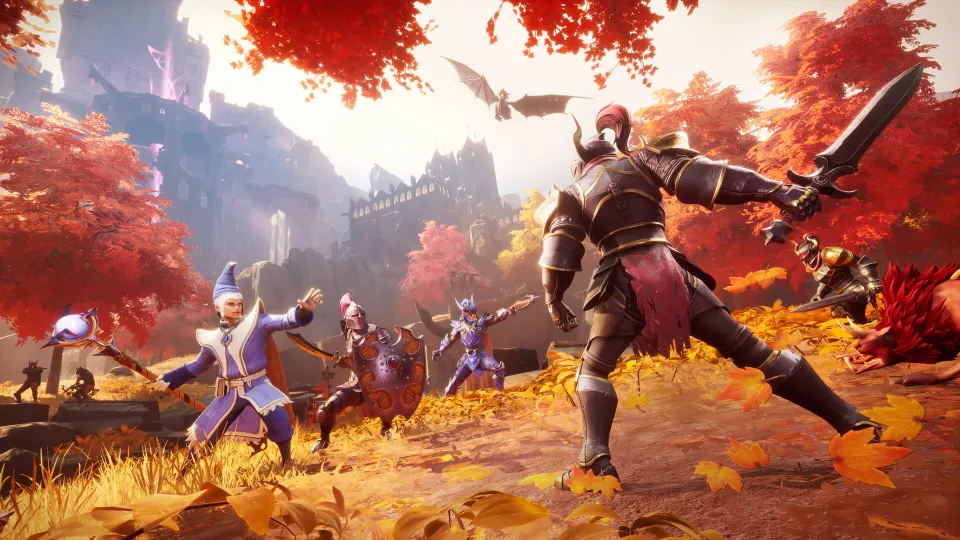
To join a friend's world in RuneScape: Dragonwilds, have the host make it available to friends or the public, then join through Worlds or an invite code. For dedicated servers, open Worlds → Public, search the exact world name, and enter the world password if prompted.
Join a friend's hosted world
The host's privacy setting determines where you can find the session. According to the RuneScape: Dragonwilds Wiki, worlds can be private, available to friends, or listed publicly. Ordinary co-op supports four players total; dedicated servers support six.
| World setup | Where to look | Player limit |
|---|---|---|
| Friends-only co-op | Friends listing for Steam friends | 4 total |
| Public co-op | Public world listing | 4 total |
| Dedicated server | Public world listing | 6 total |
For a Steam friend's hosted session:
- Have the host open their world with access set to friends.
- Make sure you are on the host's Steam friends list.
- Open Worlds and check Friends.
- Find the matching friend and world, check that a slot is available, and join.
A friends-only world does not appear in the Public list. Searching there repeatedly will not reveal it unless the host changes its visibility.
You can also use an invite code. Co-Op Couple's multiplayer walkthrough shows the host's code in the upper-right corner of the pause menu. The host shares that code, and the joining player enters it through the game's invite-code option. The walkthrough also advises enabling crossplay when playing across different platforms.
Join a dedicated server or public world
Ask your friend for the active world name and any world password. Then:
- Choose Play and open Worlds.
- Select Public.
- Search for the world name exactly as your friend gives it.
- Select the result and enter the password if requested.
- Choose a character and start playing.
BerryByte's dedicated-server joining guide says the search is case-sensitive. It also distinguishes the searchable world name from the server label displayed under Created By. If your friend gives you a hosting-service label, ask them to check the active world's name.
Joining players do not need the server's Owner ID or admin password. BerryByte identifies WorldPassword as the password used for joining. For server owners checking configuration, a newly generated world's name comes from DefaultWorldName; an imported world's name comes from its original save filename without .sav.
Steam joining advice depends on the session type. A May 2025 Steam discussion recommends right-clicking an online friend's name and selecting Join Game. BerryByte's October 2026 guide reports that Steam invitations fail for dedicated servers. These describe different setups: for a dedicated world, use the Public search route.
Fix a world that does not appear
Check these details before changing account settings:
- Visibility: A solo world must be opened to friends or the public. Friends-only worlds stay out of Public search.
- Availability: For ordinary co-op, the friend hosting the session must be online. A dedicated server must be running.
- Search name: Copy the active world name, including capitalization. Do not substitute the creator's name or server label.
- Capacity: Four players fill an ordinary world; six fill a dedicated server. The Dragonwilds Wiki notes that joining a full world produces an error.
- Password: Use the world password supplied by the host, rather than an administration password.
For console players, BerryByte also recommends checking parental controls and online privacy settings that restrict communication or cross-platform play. Its guide lists PC, PS5, Xbox Series X|S, and Nintendo Switch 2 as supported platforms for Dragonwilds 1.0 crossplay.

FAQ
What is the quickest route for “runescape dragonwilds join friends world”?
For a Steam friend's ordinary session, check Worlds → Friends after the host opens it to friends. An invite code is another option. For a dedicated server, use Worlds → Public and search the exact world name.
Can a solo world be opened to friends?
Yes. The Dragonwilds Wiki states that a solo world can be opened to friends while playing. Starting alone does not require creating a replacement world for co-op.
Can I join when my friend is offline?
An ordinary session is available while your friend hosts it. A dedicated world can remain available without that friend playing, provided its server stays running. Co-Op Couple's walkthrough explains this distinction between friend-hosted sessions and dedicated hosting.